
For restaurants and cafés
One POS system, from sale to management
Sales screen, kitchen and fiscal register, working together.
Mahalle POS puts the sales screen on the phone, tablet or computer you already have. Send orders to the kitchen, pass the amount to your compatible fiscal register and track sales and stock remotely.
No card required. No setup fee.
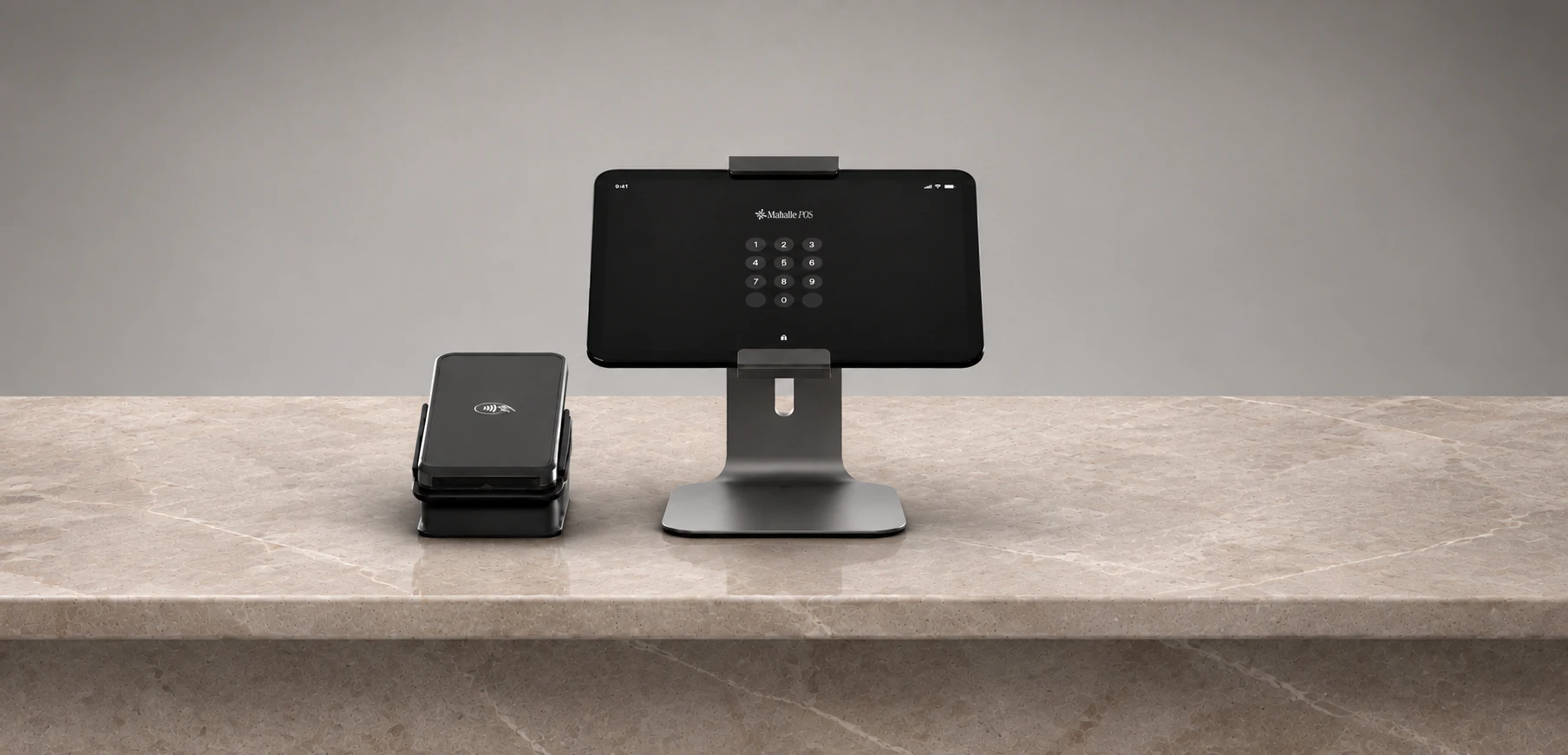
Amount sent to the register
Check total transferred automatically.
What is a POS system?
A POS system is the software, devices and payment process that work together to record and track every sale. In restaurants and cafés it connects orders, checks, the kitchen, stock and reports. Mahalle POS provides the software: it runs on your existing devices and sends the amount to a compatible fiscal POS.
POS terminal vs. POS system
A POS terminal takes card payments: a bank POS is a payment terminal, while a fiscal POS also issues the fiscal receipt. POS software manages orders, sales, stock and reports. With the Mahalle POS integration, the amount goes to the fiscal POS when the check is closed; the card payment and fiscal receipt are completed on the device.
Mahalle POS at a glance
- Who it's for
- Restaurants, cafés and other food and beverage businesses.
- Devices
- iPhone, iPad, Android; Windows: sales screen only; web: management panel.
- Basic plan
- ₺999/month + VAT; 1 branch, 2 devices (till + phone).
- Pro plan
- First branch ₺1,999/month + VAT; unlimited devices, branches, KDS, shifts, kiosk.
- Extra branch
- Each extra branch on Pro ₺999/month + VAT.
- Annual billing
- You pay for 10 months; 2 months free.
- Setup fee
- None.
- Contract and commitment
- None.
- Free trial
- Yes; no card required.
- Support
- WhatsApp, 7am to midnight.
- Integrations
- Compatible fiscal POS devices and Uber Eats.
The parts of a POS system
A POS system is a set of software and devices that comes together around your business. From the sales screen to the management panel, see what each part does.
Take orders on a tablet, phone or computer. Manage the floor plan, split the bill, and handle delivery and barcode sales.
When the check is closed, the amount goes to your compatible fiscal POS automatically. Card payment and the fiscal receipt are completed on the device.
Orders go separately to kitchen and bar printers. To use a kitchen display (KDS) instead of a printer, choose the Pro plan.
In the free QR menu, the menu updates when products or prices change and the QR code stays the same. Guests open it without an app.
Show your logo and messages on the customer display. Give your till a space that faces the customer.
Set up a self-service ordering point with Mahalle Kiosk. Add the kiosk, included in the Pro plan, to your service flow.
Track reports, stock and recipes remotely. See supplier purchases and costs, and count stock with the mobile app. Cancellations, complimentary items and discounts are reported per staff member, and the end-of-day report arrives by email.
How a cloud POS system works with Mahalle POS
Mahalle POS brings your sales and management data together in the cloud. Follow your business remotely. Ask Mahalle AI about your sales, and change your menu and prices with a single sentence.
Which devices does POS software need?
Mahalle POS works with the devices you already have; no special hardware is required. Pick devices based on where you'll use the sales screen and management tools.
iPhone and iPad
Use your iPhone or iPad as the sales screen. Take orders and manage your business from the same device.
Android phone and tablet
Take orders, make sales and manage your business on your Android phone or tablet.
Windows computer
Turn your Windows computer into a till. The Windows app works as a sales screen only.
Web management panel
Open the management panel in a browser. Track end-of-day reports, stock and your business remotely.
Pricing
POS system pricing
Your total budget is the subscription plus any devices you need. You can start with the devices you already have. Plan prices exclude VAT.
Basic
The essential plan for single-branch businesses.
Fees and terms
- Setup fee
- ₺0
- Free trial
- No card required
- Contracts and commitment
- None
- Menu import
- AI-powered, in seconds
- Support
- WhatsApp, 7am to midnight
Included in your plan
- 2 devices (register + phone)
- Unlimited staff
- Employee roles & permissions
- Stock & recipe tracking
- Inventory count via mobile app
- QR menu
- Mahalle AI
- Advanced reporting
- Owner/manager mobile app
- Customer display
- Customer management (CRM)
- Supplier management & cost tracking
- Offline mode
Pro
Most popularFor growing businesses managing multiple branches from one place.
Each additional branch ₺833/mo
Fees and terms
- Setup fee
- ₺0
- Free trial
- No card required
- Contracts and commitment
- None
- Menu import
- AI-powered, in seconds
- Support
- WhatsApp, 7am to midnight
Included in your plan
- Everything in Basic
- Unlimited devices
- Branch management
- Mahalle Kiosk
- Mahalle Kart (loyalty card)
- Shift management
- Kitchen display system (KDS)
- Mahalle AI PRO
Why this price?
No dealers or field sales
We work with you directly; there is no middleman cost built into the price.
No sales commission
We never take a cut of your revenue. One flat monthly fee.
No per-user fees
Unlimited staff, on the tablets and computers you already own.
Set up your POS system around how you work
- Order ticket softwareSee the check flow in detail, from opening an order to closing the bill.
- Restaurant softwareSee floor, kitchen and team management for your table-service restaurant.
- Café order systemLooking for a café POS system? See the flow for counter sales and table orders.
- Fiscal register integrationCheck your fiscal register's compatibility, supported devices and how the amount is transferred.
- Self-service POSSee POS solutions for counter sales and self-service setups.
- Free QR menuShare your menu with a fixed QR code, AI translation and allergen information.
FAQ
Frequently asked questions about POS systems
A POS system brings sales software, devices and the payment process together. With Mahalle POS you track orders, checks, the kitchen, stock and reports, so your sales and management work stay connected.
Try the POS system on your own device
You can try Mahalle POS on the phone, tablet or computer you already have. Import your menu, enter your first order and use the sales screen in your daily work.
No card required. No setup fee.