
Free QR Menu
Your QR menu, always up to date and free
Your QR menu updates automatically as your products and prices change.
Let customers browse your menu on their phones. They just scan the QR code; no app download needed.
QR menu is free on Mahalle POS
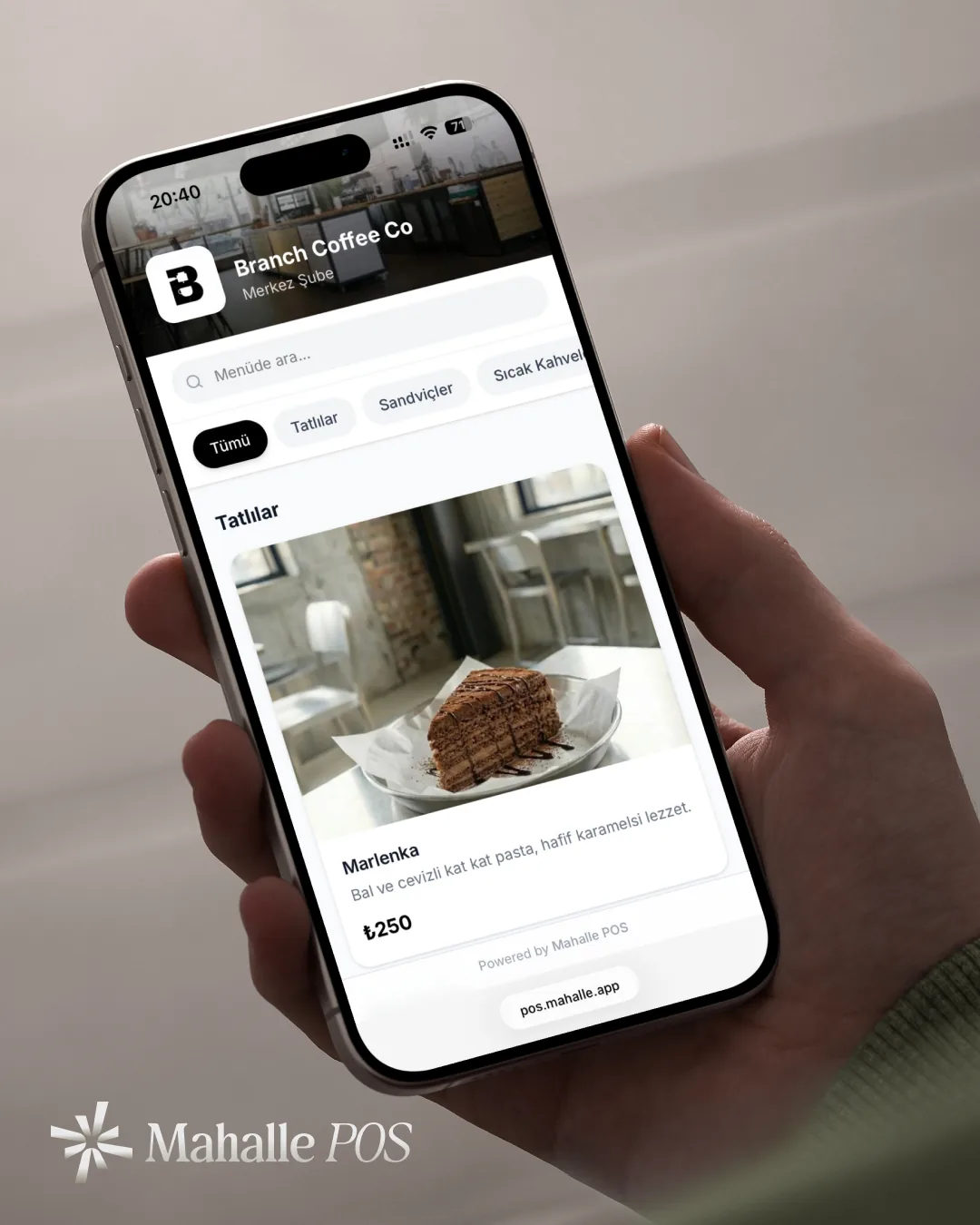
What is a QR menu?
A QR menu is a digital menu that shows your café or restaurant's products and prices on a phone. With a QR code menu, customers scan the code with their phone camera and browse your menu in the browser.
Why Mahalle POS QR menu?
Easy to set up, free to use
Auto-updates
Product and price changes show up on your menu; no need to reprint your QR code.
Your links on the menu
Add your social media and Google Maps links from menu settings.
AI translation
Translate your menu into any language with one click; AI does the translating for you.
How it works
Create your QR menu in 3 steps
Add your products
Define your categories and products in the Mahalle POS panel; set photos, prices and options.
Download your QR code
Download and print your QR code from menu settings, then place it on your tables. Your code stays the same; no reprinting when your menu changes.
Customers scan it
Customers scan the code with their phone camera; your menu opens in seconds, no app download needed.
Customer experience
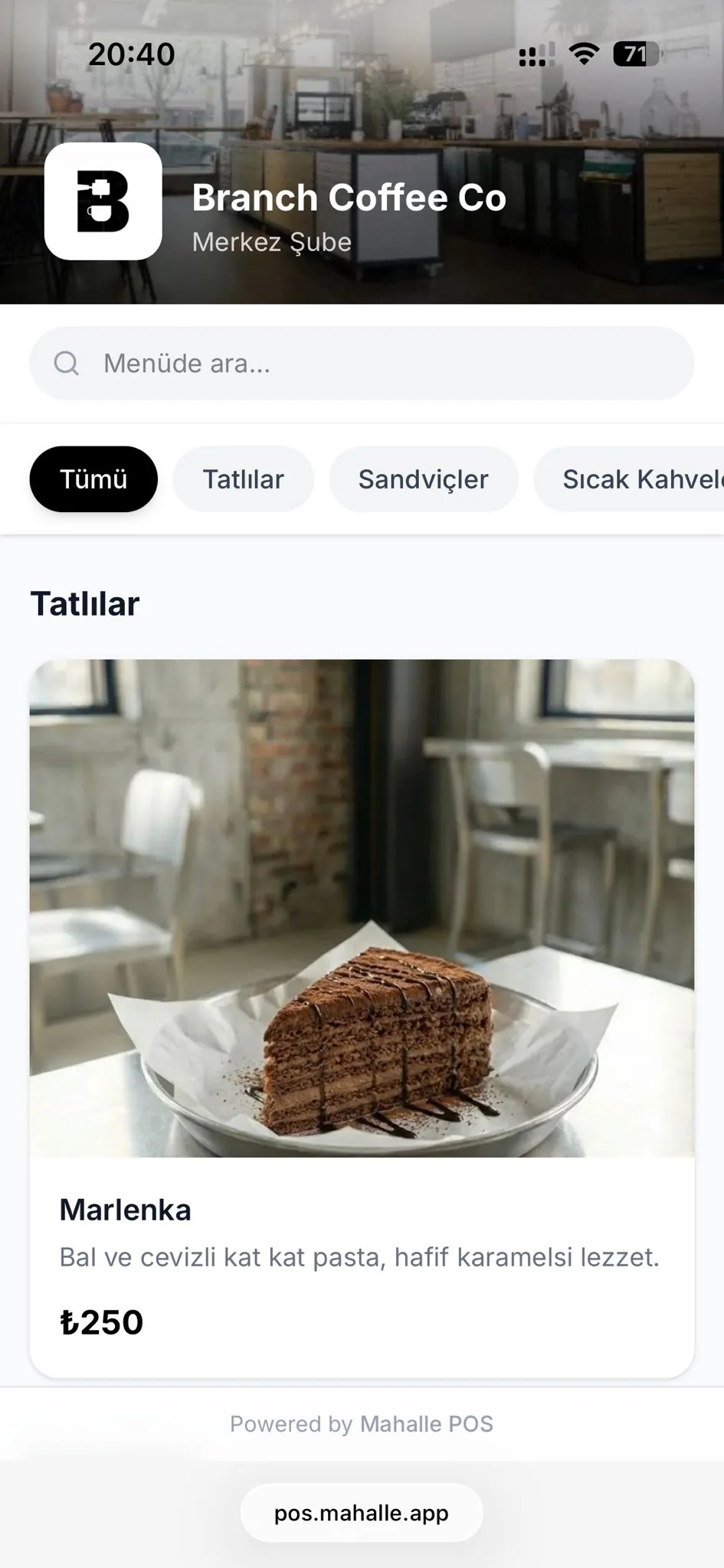
A sleek, fast, mobile-friendly menu
Categories, images, prices and item details, so customers find what they want easily.
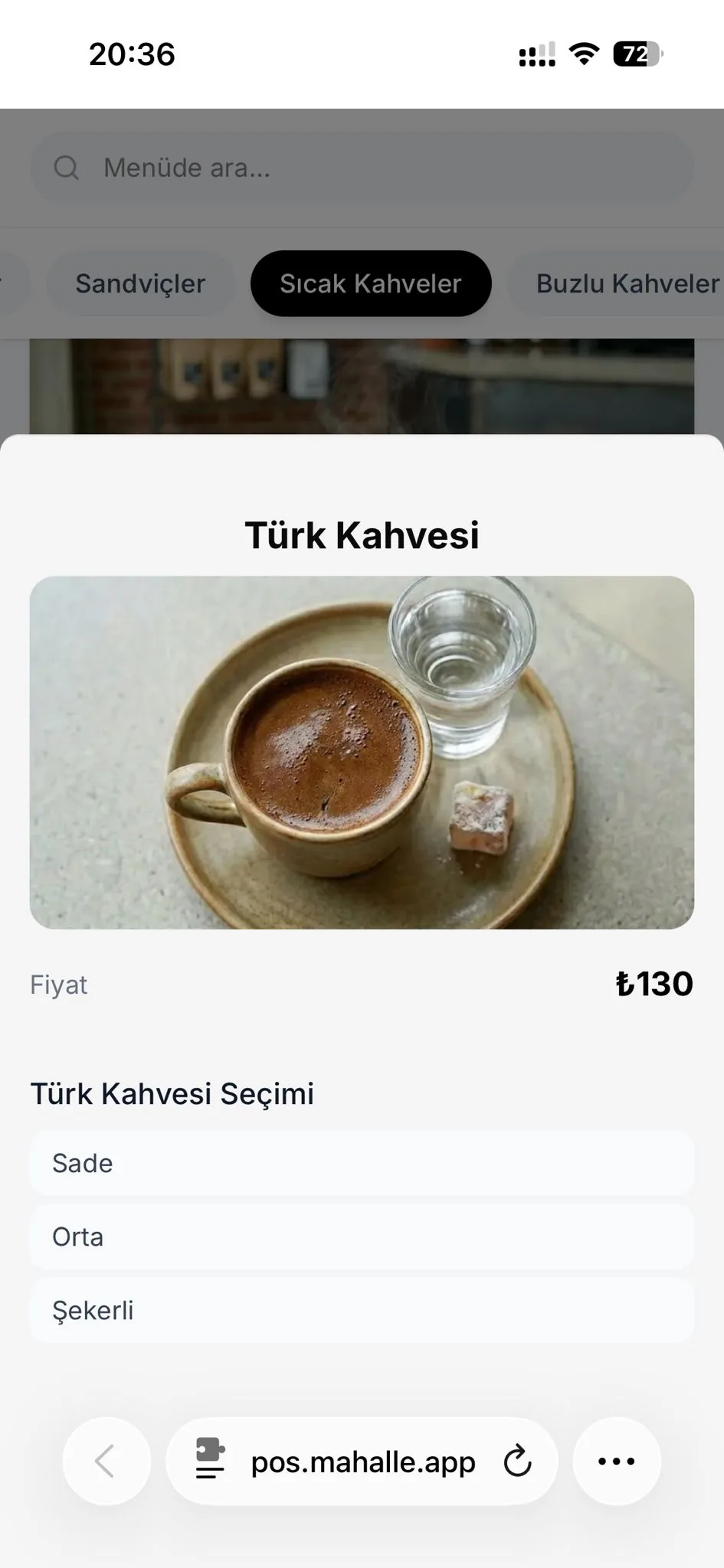
New: AI translation
Your menu in every language, one click away
Translate your menu into English, Arabic or any other language for your international customers. Just pick the language; AI translates your product names and descriptions. When you update your menu, your translations stay up to date.
Frequently Asked Questions
- Is the QR menu really free?
- Yes. The QR menu is free for all businesses using Mahalle POS; there are no extra charges.
- Does the QR code change when I update my menu?
- No. Your QR code stays the same; menu content refreshes automatically when you update products and prices.
- Can I add social media and map links to the menu?
- Yes. You can easily add your social media and Google Maps links from menu settings.
- How do I create a QR menu?
- Add your products in the Mahalle POS panel, download your QR code from menu settings and place it on your tables. The whole setup takes a few minutes.
- Can I translate my menu into other languages?
- Yes. With the AI translation feature you can translate your menu into any language with one click; AI does the translating for you.
- Does the QR menu show allergen information?
- Yes. Allergen information for your products is shown on your QR menu.
- Do I have to show allergen and calorie information on the menu?
- Yes, in Türkiye. Allergen information has been mandatory since 2020. Single-location businesses must provide ingredient information by 31 December 2026 and energy information by 31 December 2027. The information can also be offered by QR code; you can mark allergens and write ingredients and calories in the product description.
- Do my customers need to download an app?
- No. The QR menu opens in the browser; customers scan the code with their phone camera and see the menu instantly.
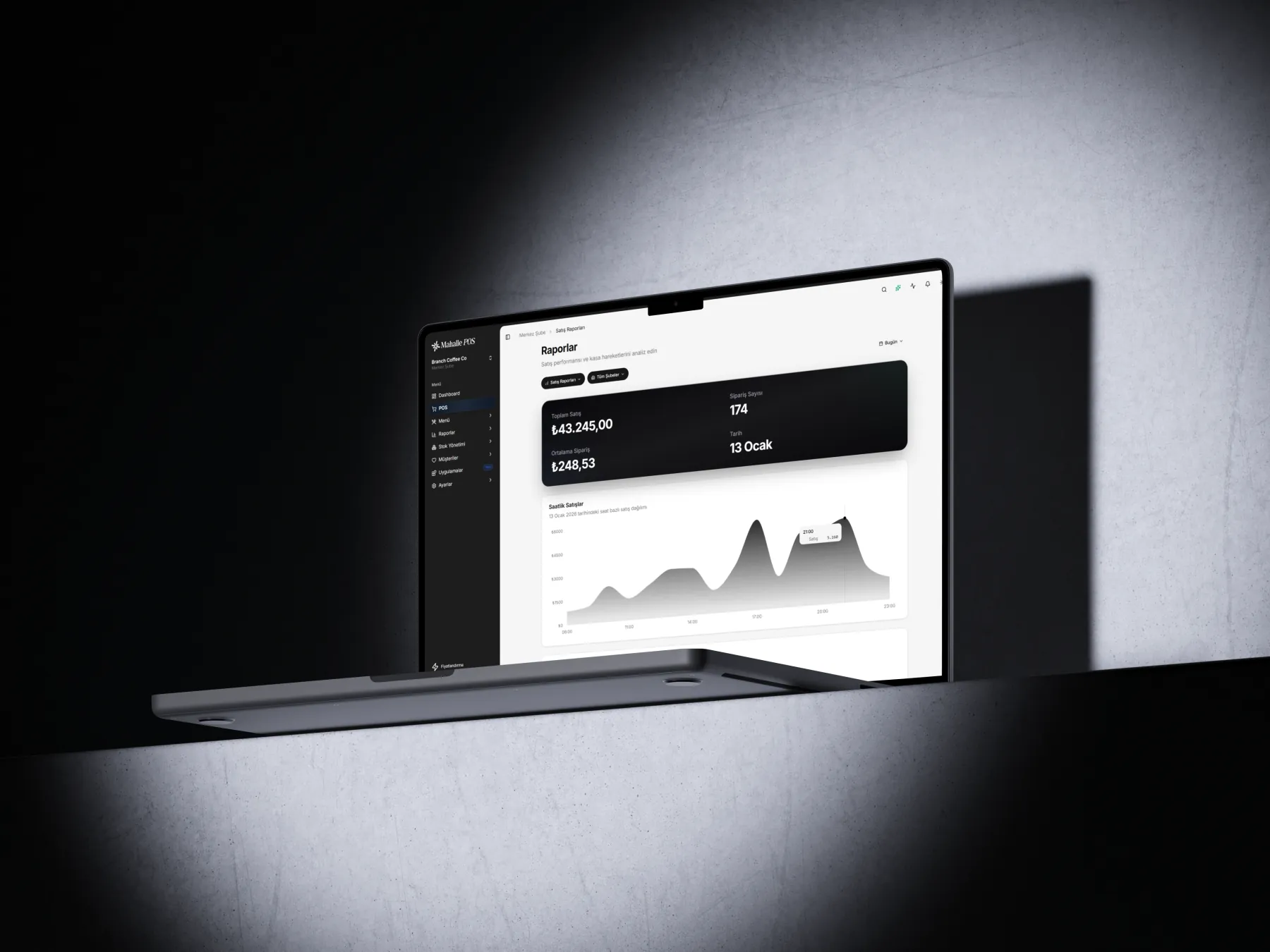
Import your menu from a photo. Connect your printers and let them pair automatically. Start selling right away from your iPad, Android tablet, phone or Windows PC. Manage products, prices, staff, sales and reports from your phone.