
Fiscal register integration: Beko X30 TR, PAVO, Ingenico and PAXNever type the amount again.
Close the check in Mahalle POS. The amount goes to your fiscal register by itself; payment and the fiscal receipt stay on the device.
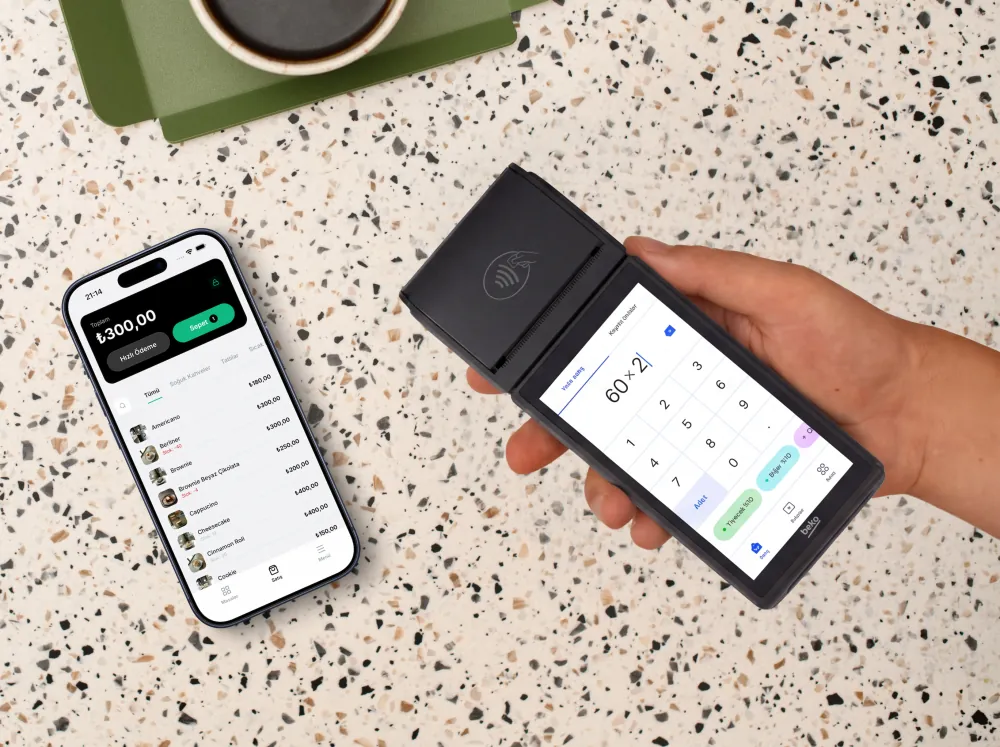
Sent to the device₺300.00
Table 3, check closed
The check closes. The amount goes to the device. The receipt prints.
The same three steps on every payment. Two of them happen on their own.
Four devices, one flow.
Mahalle POS works directly with these fiscal POS devices. Whichever you use, the steps and the result are the same.
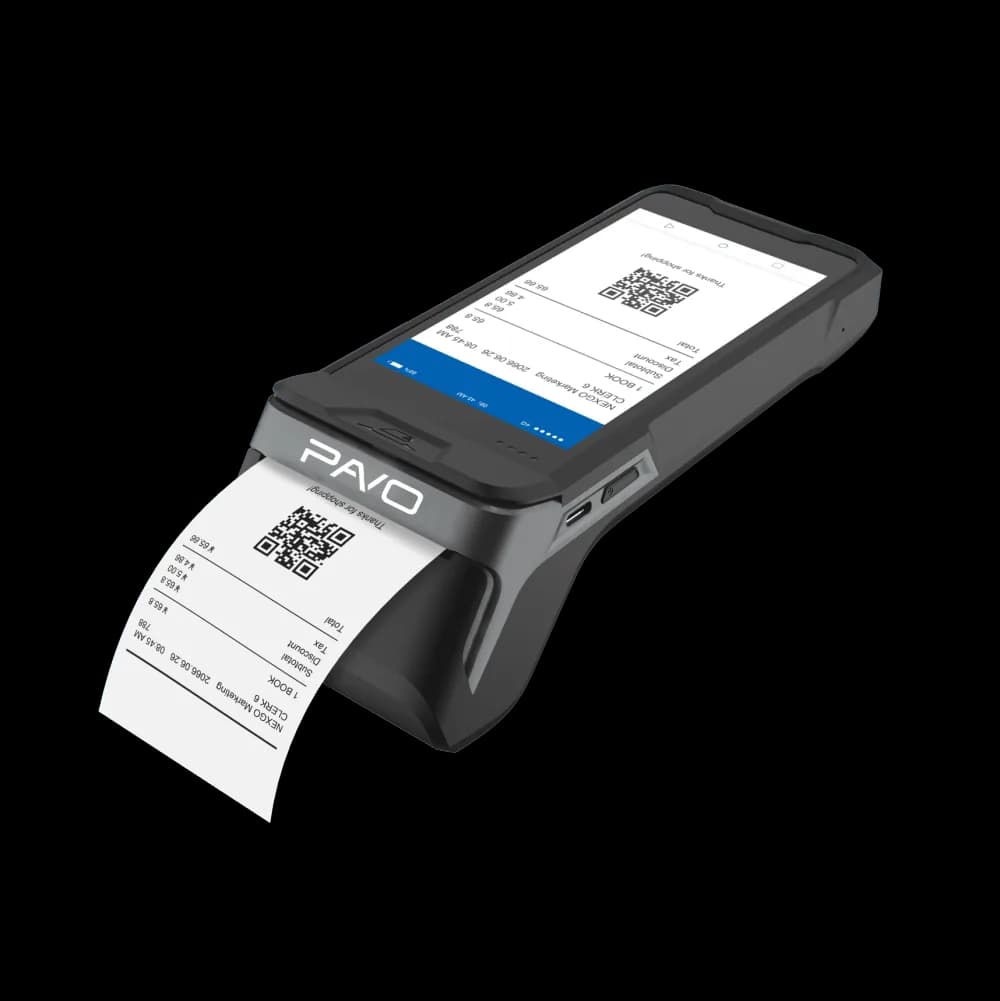
Beko X30 TR
Beko's new-generation fiscal POS device
PAVO
PAVO new-generation fiscal POS devices
Ingenico
Ingenico new-generation fiscal POS devices
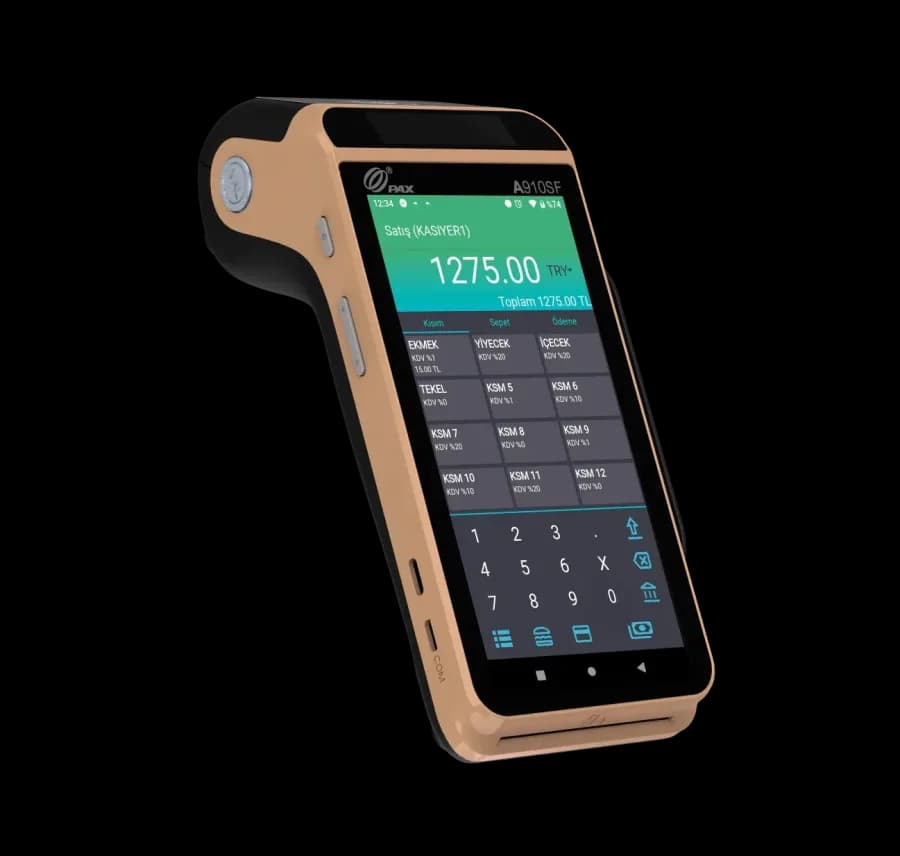
PAX
PAX new-generation fiscal POS devices
Already own one of these devices? No need to buy a new one.
Speed at the till, a perfect match at payment.
When manual entry ends, so do the errors. At end of day the register matches the checks.
- Never type the amount again
- The check total goes to the fiscal register by itself. No mistyped or forgotten receipts.
- Your current device is enough
- If you use a Beko X30 TR, PAVO, Ingenico or PAX, you don't need new hardware. Connect your device to Mahalle POS and carry on.
- Orders, payments and receipts in one system
- Table and takeaway orders, payments and fiscal receipts move in a single flow. At end of day, the register and the checks match.
From sale to e-document, one flow.
The order opens in Mahalle POS, payment is taken on the device and the fiscal receipt prints there. An e-invoice for customers who ask.
FAQ
Frequently asked questions
Mahalle POS integrates with Beko X30 TR, PAVO, Ingenico and PAX fiscal POS devices. The flow is the same on all four: when the check is closed the amount is sent to the device, payment is taken there and the fiscal receipt prints from it.
Your device is ready. Let's connect it.
Create your free account and submit an integration request. That's it.